AskClyde — Remote Desktop & AI Support.
Resolve Issues with Clarity — So Teams Can Sustain Focus on the Work That Builds Their Future.
Remote access, AI-powered diagnostics, and enterprise-grade security in one tool. Available on Windows, macOS, Android, and Linux. Built for IT teams and MSPs who need to resolve issues quickly and reliably so they can keep their focus on the work that builds stronger, more resilient operations over time.
Reliable Access and AI Diagnostics for Teams at $499/Year or $49/Month
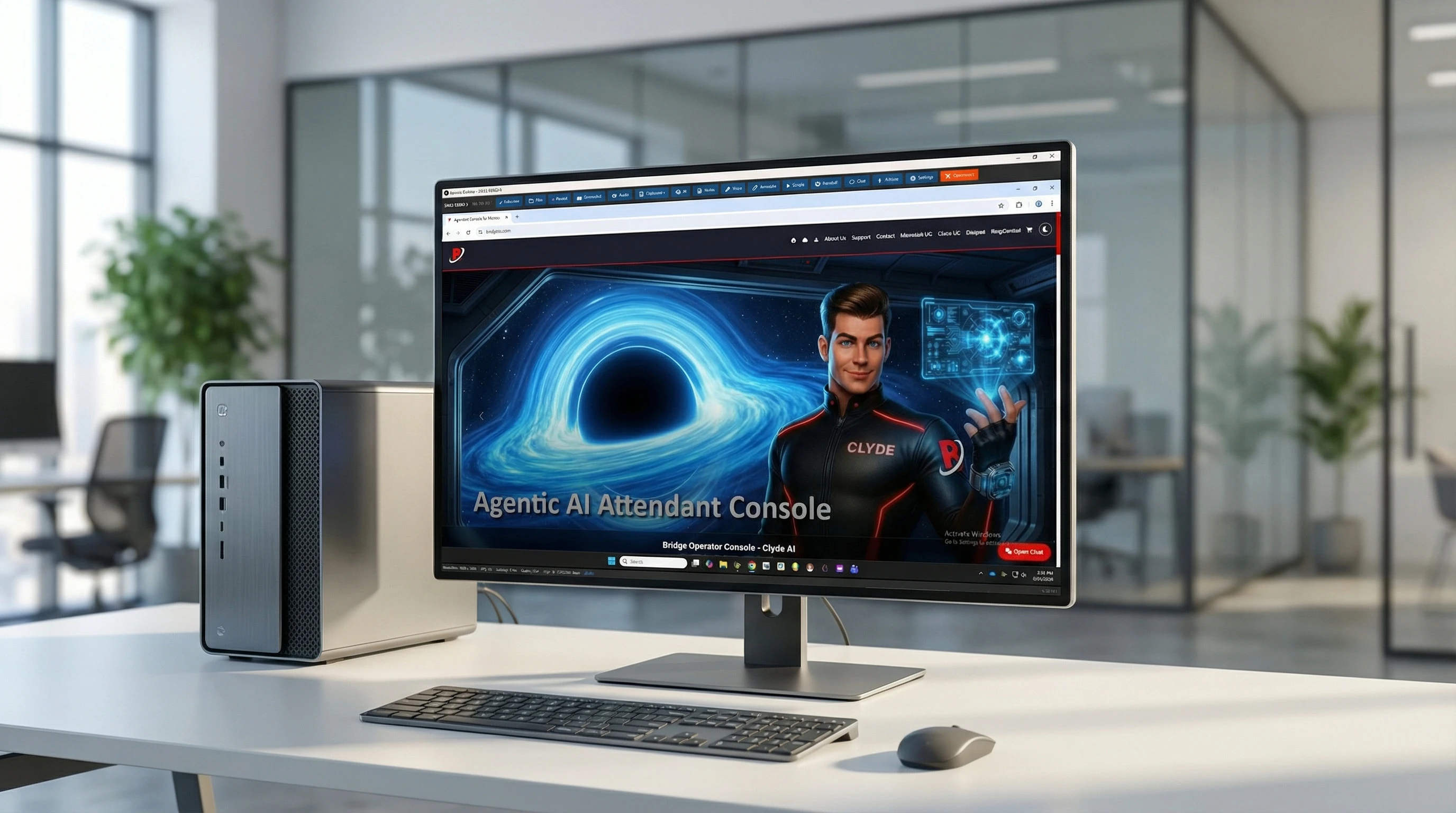
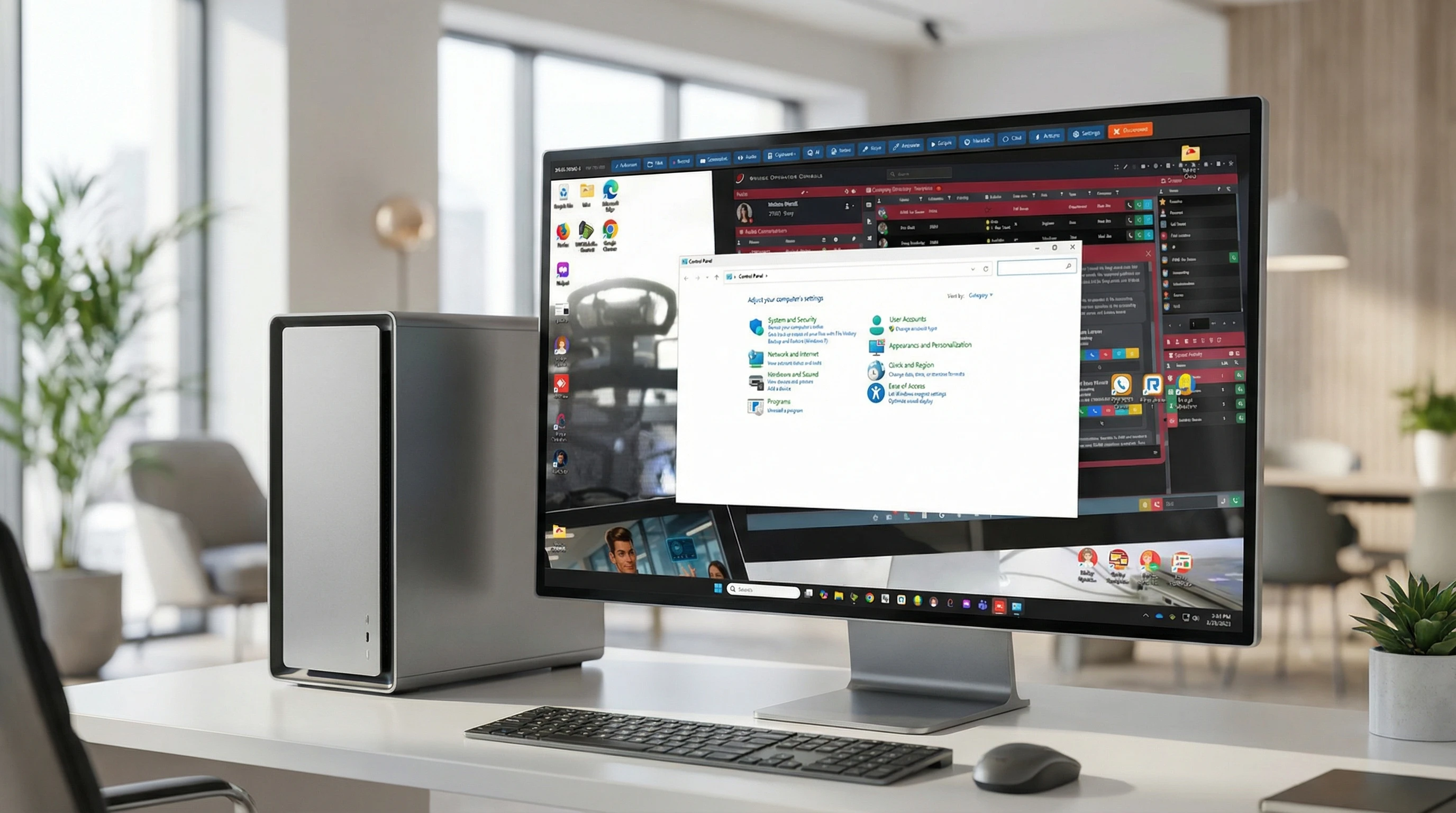
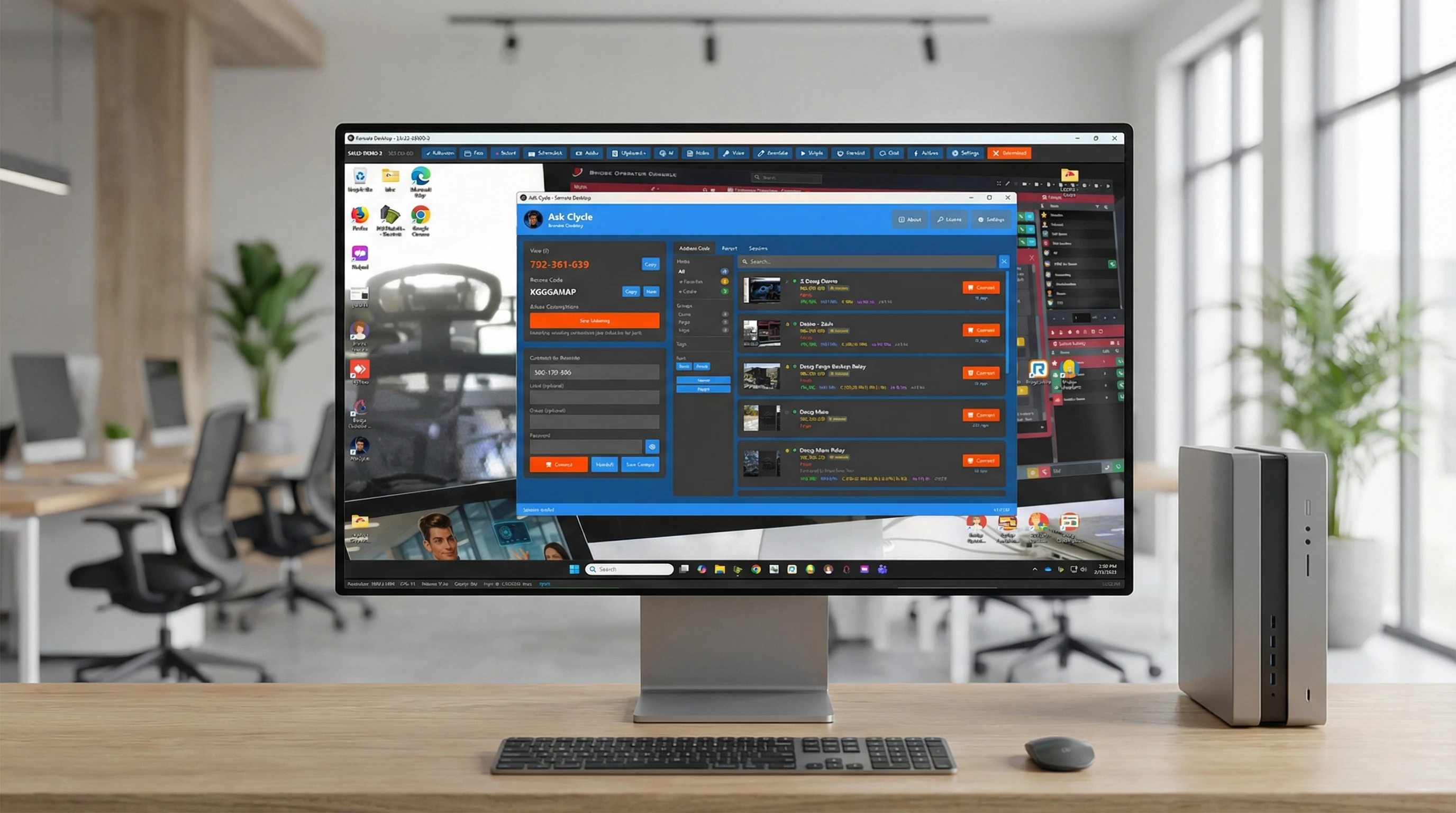
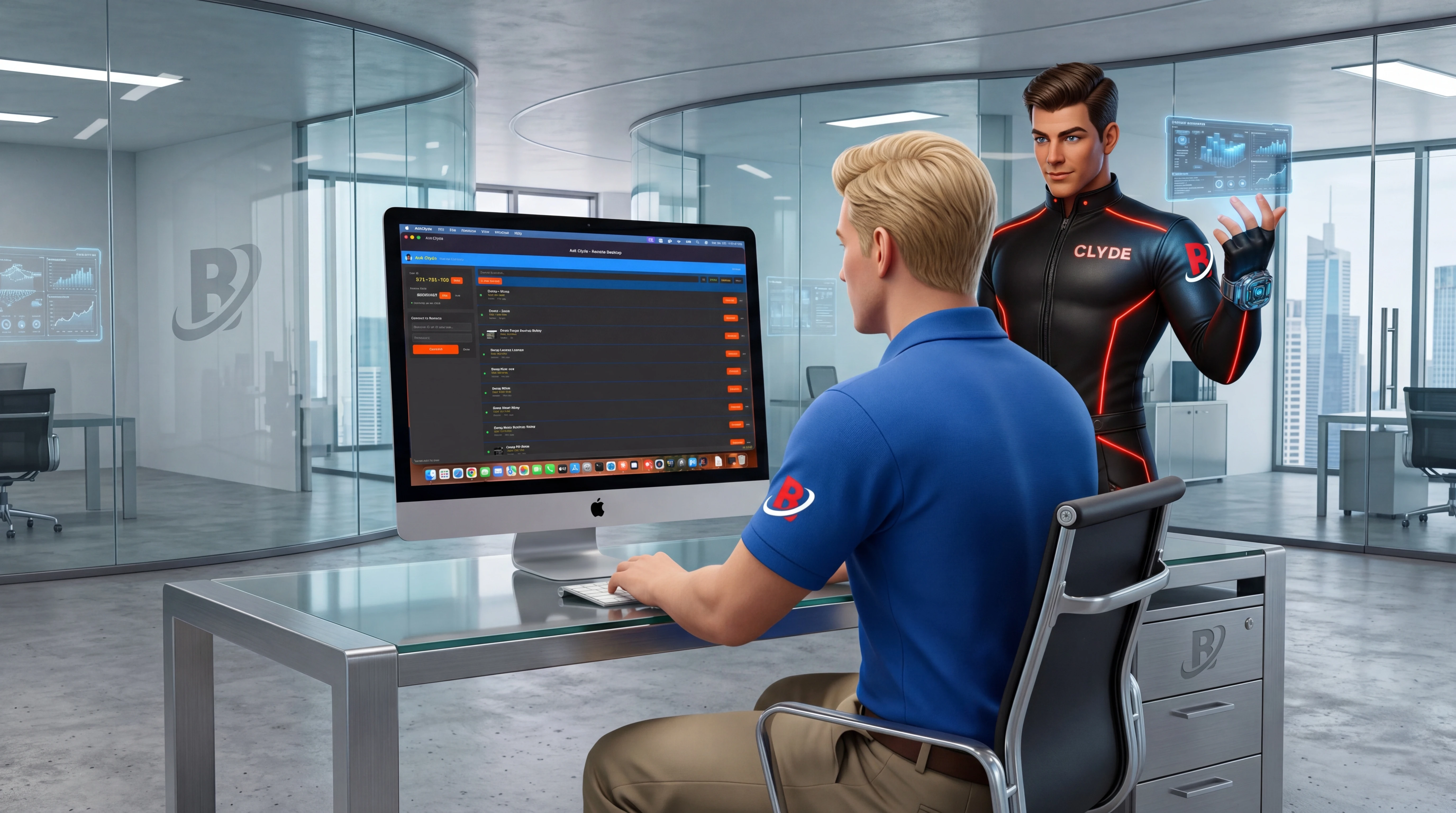

Your AI co-pilot for every session
Seventeen AI tools built right into AskClyde — from screen analysis to one-click common-issue scanning, outdated-app updates, and fleet-wide health analysis. Run them on remote machines or point the new AI Doctor at your own PC. Diagnose problems so you can maintain momentum, document sessions automatically, and support users in any language. Bring your own AI provider: Claude, GPT-4, Gemini, or local Ollama.
Analyze Screen
AI reads the remote desktop and tells you what's wrong — identifying errors, misconfigurations, and issues with steps to fix them.
Guided Diagnostics
Interactive step-by-step troubleshooting walkthrough. Great for less experienced techs or unfamiliar issues.
Run Script
AI suggests the right commands based on what it sees on screen, with clear risk levels so you stay in control.
Analyze Logs
Paste Event Viewer or application logs and get plain-English explanations of what went wrong and how to fix it.
System Health Check
Instantly spot low disk space, high memory, network issues, and other problems before the user even notices.
Analyze Processes
Pull the remote process list and let AI flag malware, runaway apps, and resource hogs instantly.
What Changed Since Last Session?
Multi-image AI compares the previous session's final state against the current one and tells you what's different. Spot progress, regressions, or new issues the moment you reconnect.
Scan for Common Issues
One-click diagnostic scan checks roughly 20 of the most common problems on the remote machine — disk space, stopped services, RAM pressure, SMART warnings, time skew, BitLocker state, Mac battery health, swap pressure, antivirus state and more. Severity-coded findings ship with "Fix Now" buttons that run a built-in fix script on the remote in a single click.
Outdated Apps & One-Click Updates
Inventories outdated applications via winget and npm (brew on Mac) on local or remote machines, then updates the ones you check — remotely through the audited script channel with live output, or locally with one click.
AI Doctor — This PC
The full AI troubleshooting toolkit pointed at your own machine: health check, process analysis, log analysis, common-issue scan, outdated apps, installed software, and startup programs — no session required.
Dictate Notes
Speak your session notes hands-free. Speech recognition transcribes them while you keep working.
Smart Connect Briefing
Before the session starts, AI summarizes contact history, past issues, and recommended focus areas.
Auto Session Summary
When you disconnect, AI writes up what happened. No more forgetting to document your sessions.
Issue Pattern Detection
AI flags recurring issues across a contact's history so you can address root causes, not just symptoms.
AI Fleet Analysis
One-click AI analysis of your entire fleet. Summarizes health trends, identifies machines needing attention, and recommends priority actions.
Knowledge Base
Seen this problem before? AI searches your past sessions and surfaces what worked last time.
Chat Translation
Support users who speak a different language. Messages translate in real time across 12 languages.

Security that satisfies your compliance team
Every connection is encrypted end-to-end with unique keys per session. Your sessions are private, your data is protected, and every action is auditable.
End-to-End Encryption
Elliptic Curve key exchange with AES-256-GCM encryption. Ephemeral keys per session — every connection gets unique encryption keys that can't be reused.
Two-Factor Authentication
TOTP-based 2FA with QR code setup and recovery codes. Prevent unauthorized access even if a password is compromised.
Signed Relay Connections
Clients sign relay registrations with ECDSA. Signed connections cannot be displaced by unauthorized clients — relay server enforces identity.
Encrypted Settings at Rest
Passwords, API keys, and private keys are DPAPI-encrypted with application-specific entropy. Generic tools cannot decrypt your data.
Privacy Controls
Blank the remote display during sessions so no one can see what you're working on. Lock the remote keyboard and mouse to prevent interference.
Tamper-Proof Audit Logs
Hash-chained, AES-256 encrypted audit trails with integrity verification. Automatic rotation, retention policies, and legal hold support.
Compliance Exports
Export audit logs in CEF format for SIEM integration, syslog for monitoring, and webhook for real-time alerts. Built for SOX, PCI-DSS, and HIPAA.
SHA256-Verified Updates
Automatic update checks validate MSI integrity with SHA256 hash verification before installation. No tampered updates get through.

Everything you need, nothing you don't
Connect to any machine, troubleshoot with AI, and keep your clients happy — all from one app.
Remote Desktop
Fast, reliable remote access with H.264 video streaming
Smooth Remote Control
H.264 video streaming with adaptive bitrate. Full keyboard, mouse, and clipboard sharing. Multi-monitor switching on the fly.
Multi-Session Dashboard
Monitor multiple remote sessions at once in a tiled grid with live thumbnails, FPS, latency, and connection quality indicators.
Session Recording
Record sessions to MP4 on demand. Great for training, audits, compliance, and documentation.
Live Annotations
Draw directly on the remote desktop to point things out. Both sides see annotations in real-time with auto-fade.
Open URL on Remote
One-click send of any URL to the remote machine's default browser. No more typing long addresses through a laggy keyboard — paste and go.
Connectivity
Connect in seconds, stay connected no matter what
Simple Client ID
Share a 9-digit code and you're connected. Works behind firewalls and NAT automatically. Direct connections on the same network. Same relay server across Windows, macOS, Android, and Ubuntu Linux.
Unattended Service
Always-on background service for unattended access on Windows. Handles UAC prompts, secure desktop, and works even when no one is logged in.
macOS Support
Full native macOS client — both the Desktop viewer and QuickSupport agent run on Mac. Control Windows machines from your Mac, or let your team support Mac users remotely.
Android Client
Connect to and control any Windows or Mac machine from your Android phone or tablet. Full keyboard, mouse, and clipboard control with a touch-optimized interface.
Linux (Ubuntu / Debian) Client
Native Desktop viewer, QuickSupport agent, and an unattended background service for Ubuntu, Debian, and derivatives — packaged as signed .deb installers. X11 and Wayland screen capture and remote control over the same 9-digit code and relay as every other platform.
Auto-Reconnect
Reconnects automatically after network drops, reboots, and service updates. Update-aware reconnect waits for the service to come back.
QuickSupport Agent
One-click support agent for end users. They double-click, read you the code, and you're connected. No install needed.
Wake & Connect
One-click Wake-on-LAN plus auto-connect. Right-click a sleeping contact and AskClyde wakes the machine, waits for it to boot, then connects automatically — no manual polling. Works on Mac targets too: AskClyde auto-detects the Mac's Ethernet MAC the first time you connect, so you never have to copy it by hand.
In-app Auto-Update
AskClyde notifies you when a new version is available right inside the app. One click downloads, SHA-256-verifies, and runs the installer; "Later" snoozes for 24 hours. Works on Windows, macOS, Android, and Linux — no more out-of-date clients on machines you haven't touched in months.
Collaboration
Work together with your team and your clients
Chat & Voice
Built-in text chat and two-way voice. Talk to the remote user without picking up the phone. Works even through the unattended service.
Session Handoff
Transfer a live session to another technician without disconnecting the remote user. Encrypted handoff tokens with 15-minute expiry.
File Transfer
Send and receive files in both directions. Browse the remote file system, transfer entire folders, and track progress in real-time.
Background File Sync
Drag files onto a contact card to send them without an active session. Lightweight file-only connections with queued transfers.
Client Management
Organized contacts, full history, and system health at a glance
Address Book
Groups, tags, favorites, session history, and notes per contact. See machine thumbnails, connection sparklines, and online status at a glance.
Share Contacts via Link or QR
Right-click any contact → Share Public Link. AskClyde generates an askclyde://contact/… URL and a QR code containing only the non-sensitive fields — never the password. Send it in email, chat, or Slack; when the recipient clicks the link, AskClyde opens and offers to add the contact to their address book.
Remote Health Monitoring
CPU, RAM, disk, and uptime indicators on every contact card. See which machines need attention before anyone calls.
NOC Dashboard
Centralized fleet monitoring with sortable columns, color-coded metrics, alert indicators, trend arrows, CSV export, fleet summary bar, and AI-powered fleet analysis. Alert history panel tracks all fired alerts with persistence.
Health History & Alerting
12-hour rolling health history with time-series graphs for CPU and RAM, configurable alert thresholds, alert sound notifications, and alerts via toast, email, or Event Log. Automatic log cleanup keeps storage tidy.
Remote Script Library
Save and manage PowerShell, CMD, Batch, and Bash scripts. Execute remotely with streaming output and real-time status tracking. The library auto-detects the remote host's OS and only shows scripts that will actually run there — so a Windows tech connecting to a Mac sees Bash scripts, not PowerShell ones.
20 Built-in Fix Scripts
AskClyde ships with about 20 ready-to-run fix scripts per platform — Flush DNS, Reset Winsock, SFC + DISM, clear the print queue, reset TCP/IP, force NTP sync on Windows; flush DNS, restart Wi-Fi, rebuild Spotlight, restart CUPS, force Time Machine, repair permissions on Mac. They're seeded the first time you open the library and refresh as we ship new ones — without overwriting anything you've edited.
System Commands
Lock, reboot, shutdown, and log off remote machines. Send Ctrl+Alt+Delete. Auto-reconnect after reboot. Screen stays on automatically during every session.
Windows Update & Reboot
One-click install of all available Windows Updates followed by an automatic reboot. Works on a single session or batch-apply to every selected machine at once — no WSUS required.
Installed Software Inventory
Pull a full list of every program installed on the remote machine in seconds. Searchable, sortable, exportable to CSV — perfect for audits and "what's on this PC" questions.
Startup Programs Manager
See everything that launches at boot — Run keys, RunOnce, Startup folders. Disable entries with one click using Windows' own StartupApproved mechanism, so the change is fully reversible from Task Manager.

How AskClyde Supports Your Operations
Built for IT professionals and MSPs who want reliable remote access with built-in AI diagnostics that help teams stay effective over the long run.
| Feature | AskClyde | TeamViewer | AnyDesk | ScreenConnect |
|---|---|---|---|---|
| Remote Desktop & Control | ✓ | ✓ | ✓ | ✓ |
| Built-in AI Diagnostics | ✓ 15 tools | ✗ | ✗ | ✗ |
| One-Click Common-Issues Scan | ✓ 20 checks / platform | ✗ | ✗ | ✗ |
| Built-in Fix Script Library | ✓ 20 per OS, preloaded | ✗ | ✗ | Manual |
| Bring-Your-Own AI Key | ✓ Claude / GPT-4 / Gemini / Ollama | ✗ | ✗ | ✗ |
| AI Screen Analysis | ✓ | ✗ | ✗ | ✗ |
| AI Log & Process Analysis | ✓ | ✗ | ✗ | ✗ |
| Auto Session Summaries | ✓ | ✗ | ✗ | ✗ |
| Chat Translation | ✓ | ✗ | ✗ | ✗ |
| Two-Way Voice Chat | ✓ | ✓ | ✗ | ✗ |
| Live Annotations | ✓ | ✗ | ✓ | ✗ |
| Session Handoff | ✓ | Partial | ✗ | Partial |
| Multi-Session Dashboard | ✓ | ✗ | ✗ | ✓ |
| NOC Dashboard & Health Alerting | ✓ | ✗ | ✗ | Partial |
| Remote Script Execution | ✓ | Add-on | ✗ | ✓ |
| Cross-Platform Script Library | ✓ PowerShell + Bash, auto-filtered by remote OS | Add-on | ✗ | Manual |
| Wake-on-LAN | ✓ auto-MAC + auto-connect (Win & Mac) | ✓ | ✓ | ✓ |
| In-app Auto-Update Banner | ✓ Win, Mac, Android | ✓ | ✓ | ✓ |
| Contact Sharing (Link / QR) | ✓ askclyde:// URL + QR, no password leaked |
Account-bound | ✗ | Account-bound |
| One-Click Windows Update Push | ✓ Single + batch | Patch Mgmt add-on | ✗ | Via commands |
| Installed Software Inventory | ✓ Built-in, CSV export | Insights add-on | ✗ | ✓ |
| Startup Programs Manager | ✓ One-click disable | ✗ | ✗ | ✗ |
| Background File Sync (drag-drop) | ✓ | ✗ | ✗ | ✗ |
| Session Recording | ✓ | ✓ | ✗ | ✓ |
| End-to-End Encryption | ✓ AES-256 | ✓ | ✓ | ✓ |
| Enterprise Audit Logging | ✓ | Add-on | ✗ | ✓ |
| Two-Factor Authentication | ✓ | ✓ | ✓ | ✓ |
| Cloud Sync | ✓ | ✓ | ✗ | ✓ |
| macOS Client | ✓ | ✓ | ✓ | ✓ |
| Android Client | ✓ | ✓ | ✓ | ✓ |
| Linux Client (Ubuntu / Debian) | ✓ | ✓ | ✓ | ✓ |
| Free Trial | 30 days | Limited | ✓ | 14 days |
Frequently asked questions
Is AskClyde a good choice alongside TeamViewer?
Yes. AskClyde offers the same core remote desktop, file transfer, and unattended access features as TeamViewer, plus seventeen built-in AI-powered diagnostic tools that TeamViewer doesn't include. You also get session recording, two-way voice, live annotations, enterprise audit logging, and a one-click QuickSupport agent — all included, no add-ons needed.
How does AskClyde compare to AnyDesk?
AskClyde provides fast remote desktop connections similar to AnyDesk, with AI-powered screen analysis, guided diagnostics, log analysis, and system health checks built directly into the toolbar. It also includes an address book with full session history, session recording, two-way voice, and compliance-ready audit logging that AnyDesk doesn't offer.
Can I replace ConnectWise ScreenConnect with AskClyde?
AskClyde covers the same remote support and unattended access needs as ConnectWise ScreenConnect, and includes built-in AI tools that help diagnose and resolve issues so you can maintain momentum. It's a great fit for MSPs and IT teams looking for reliable, AI-enhanced remote support.
Is AskClyde free to use?
AskClyde offers a generous 30-day free trial with all features included and no credit card required. After the trial, a paid subscription is needed to continue using the software.
Does AskClyde support unattended remote access?
Yes. AskClyde includes a Windows service that runs in the background for always-on unattended access, even when no user is logged in. It handles secure desktop interaction, UAC prompts, and reconnects automatically if the connection drops or the service updates.
What AI features are included?
AskClyde includes seventeen AI capabilities: screen analysis, guided diagnostics, script suggestions, log analysis, system health checks, process analysis, one-click scan for common issues (with auto-fix from the built-in script library), outdated-app detection with one-click updates (winget, npm, brew), what-changed-since-last-session multi-image diffs, voice dictation, pre-session smart briefings, auto session summaries, issue pattern detection, fleet-wide health analysis, and an AI Doctor that runs the same diagnostics on the technician's own machine. Plus background features like knowledge base search and real-time chat translation across 12 languages.
Is AskClyde secure enough for enterprise use?
AskClyde uses end-to-end encryption (AES-256-GCM) with ephemeral Elliptic Curve key exchange for every session, TOTP two-factor authentication, and PBKDF2 password hashing. Relay connections are ECDSA-signed. All settings and keys are DPAPI-encrypted at rest. Enterprise audit logging provides tamper-proof, hash-chained logs that meet SOX, PCI-DSS, and HIPAA compliance requirements, with SIEM and syslog export.
What operating systems does AskClyde support?
AskClyde runs on Windows 10, Windows 11, macOS, Android, and Linux (Ubuntu, Debian, and derivatives). The full desktop client and QuickSupport agent run on Windows and macOS; Linux ships a native Desktop viewer, QuickSupport agent, and an unattended background service as signed .deb installers. The unattended service is available on Windows and Linux. The Android app lets you connect to and control Windows and Mac machines from your phone or tablet, giving you full remote access on the go.
Ready to get started?
Download AskClyde and get a 30-day free trial with every feature unlocked.
After your trial: $49/month, or $499/year — less than $1.50/day
Windows 10 & 11 • macOS • Android • Ubuntu / Debian Linux • Code signed by Bridge Communications, LLC